%20(2).png?width=120&height=38&name=Ren%20Logo%20Light%20(1)%20(2).png)
-
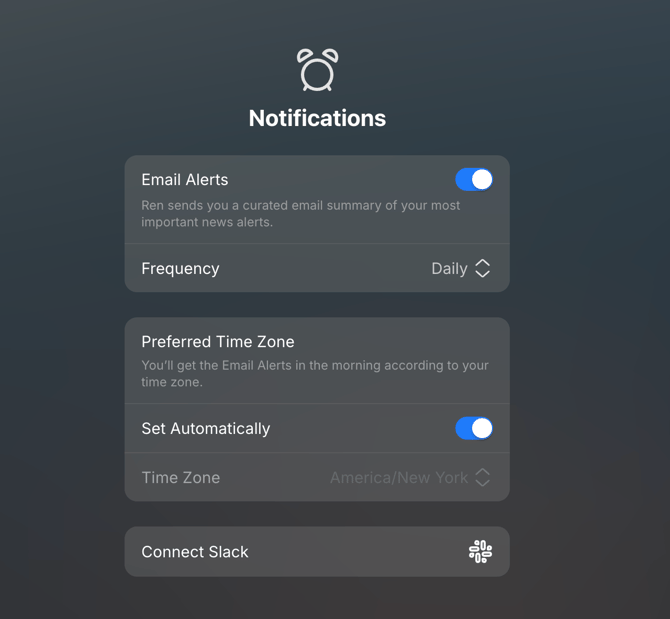
In settings of the Ren web app, scroll to find the Notification section. Click "Connec Slack"
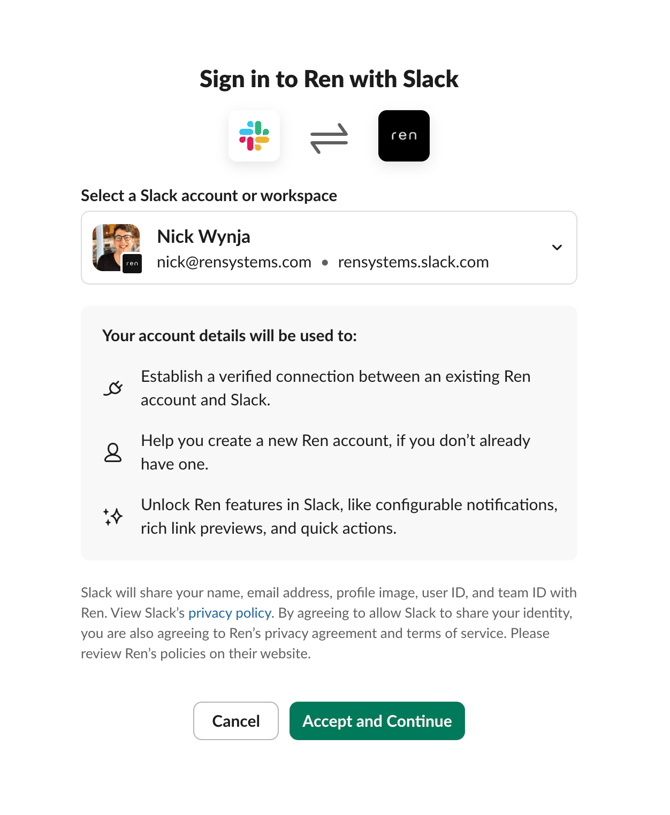
- Next, you'll be directed to a Slack page to accept the connection between Ren and Slack. If you see a different screen requesting that an administrator allow access, contact your Slack admin.
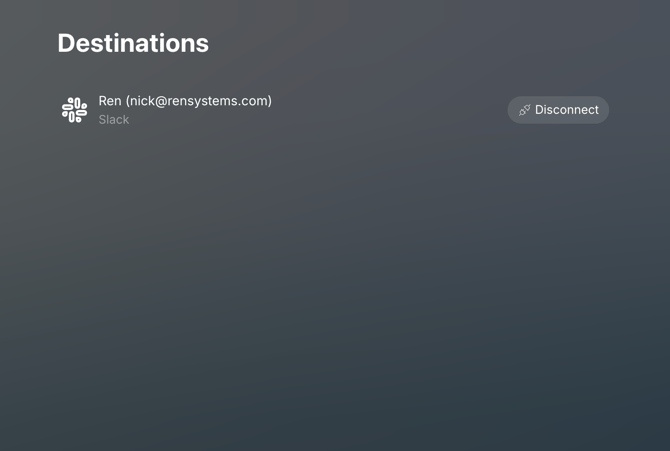
- After clicking "Accept and Continue", you'll be redirected back to the Destinations screen in Ren. You'll now start receiving a digest of Ren alerts similar to the email digest.
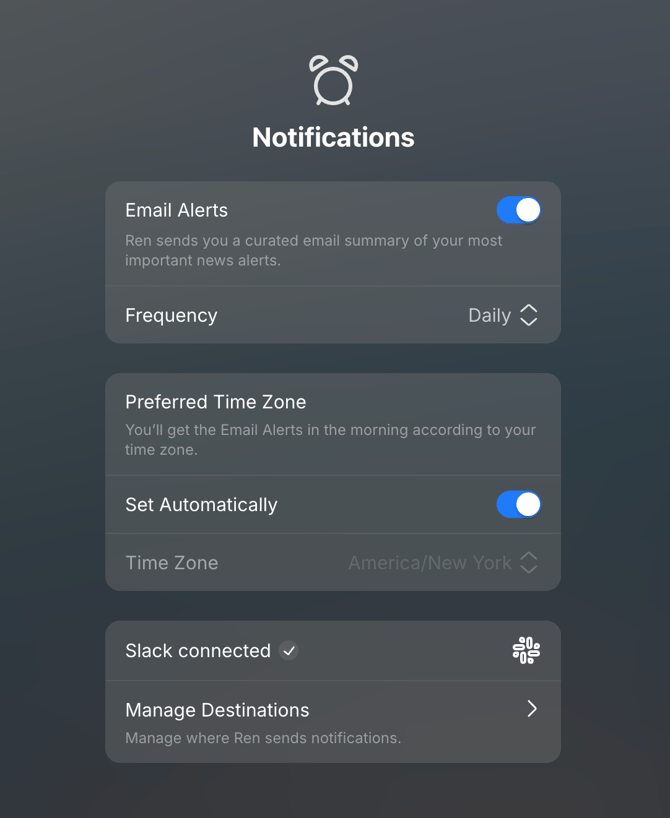
- If you navigate back to Settings, you'll now see that Slack is connected. You can navigate back into Destinations to manage the Slack workspaces you're connected to.